
RSS
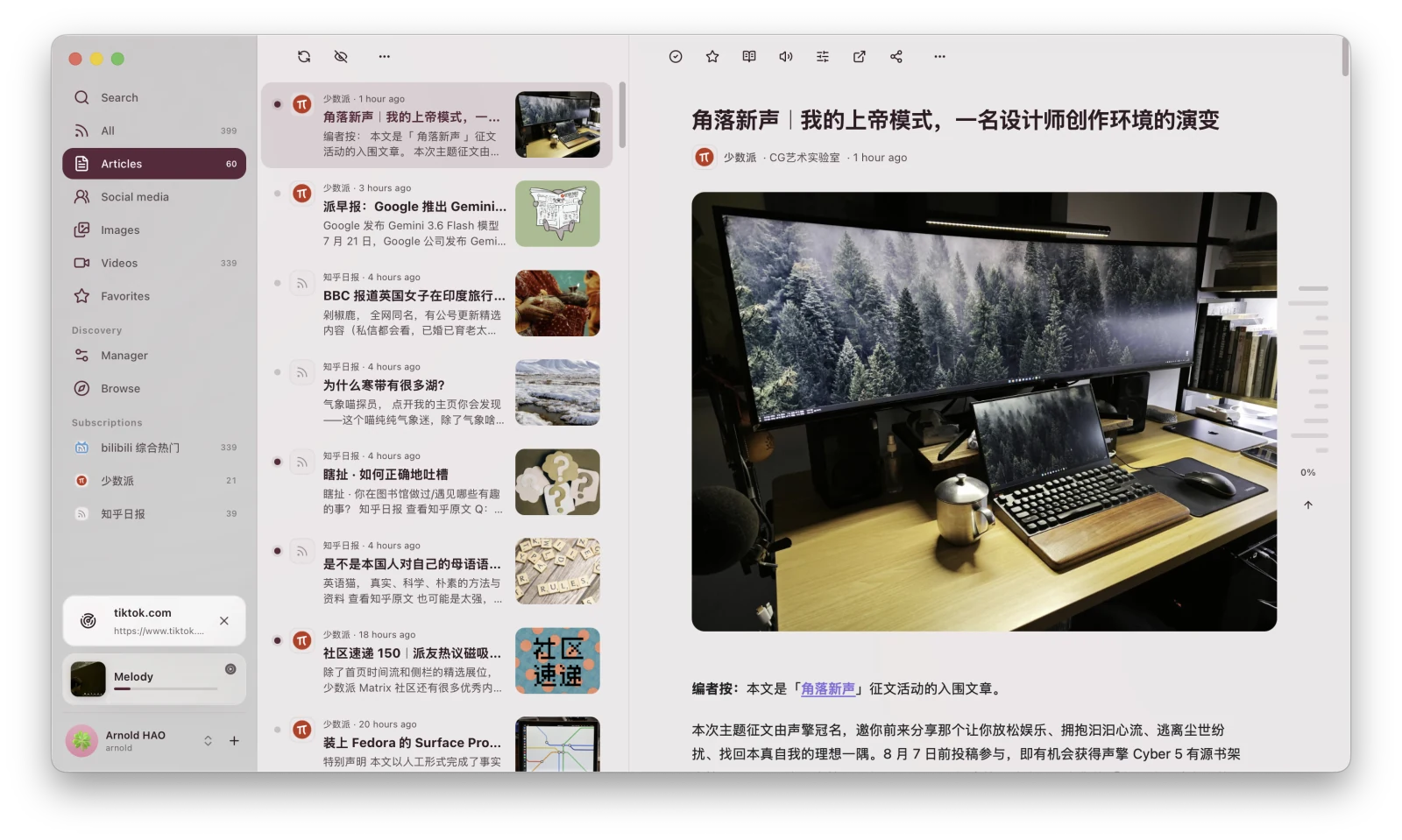
RSS lets you subscribe to content sources, read new entries, and save media. Subscription data, read state, favorites, and reading progress are stored in XiaDown.
Main entries
Section titled “Main entries”| Page | Purpose |
|---|---|
| Search | Find entries in subscribed content. |
| All | View updates from every subscription. |
| Articles / Social Media / Images / Videos | Filter entries by content layout. |
| Favorites | View saved entries. |
| Discover | Search or browse available sources. |
| Manage | Edit, pause, refresh, import, export, and delete subscriptions. |
First use
Section titled “First use”- Open Discover and search for a topic or site, or paste a feed address.
- Open the subscription preview.
- Confirm its name and content, then click Subscribe.
- Return to All to view updates.
- Select an entry to open its reading or playback page.
If an empty page says there is no content yet, add a subscription and wait for the first fetch to finish.
Continue reading: