
Music
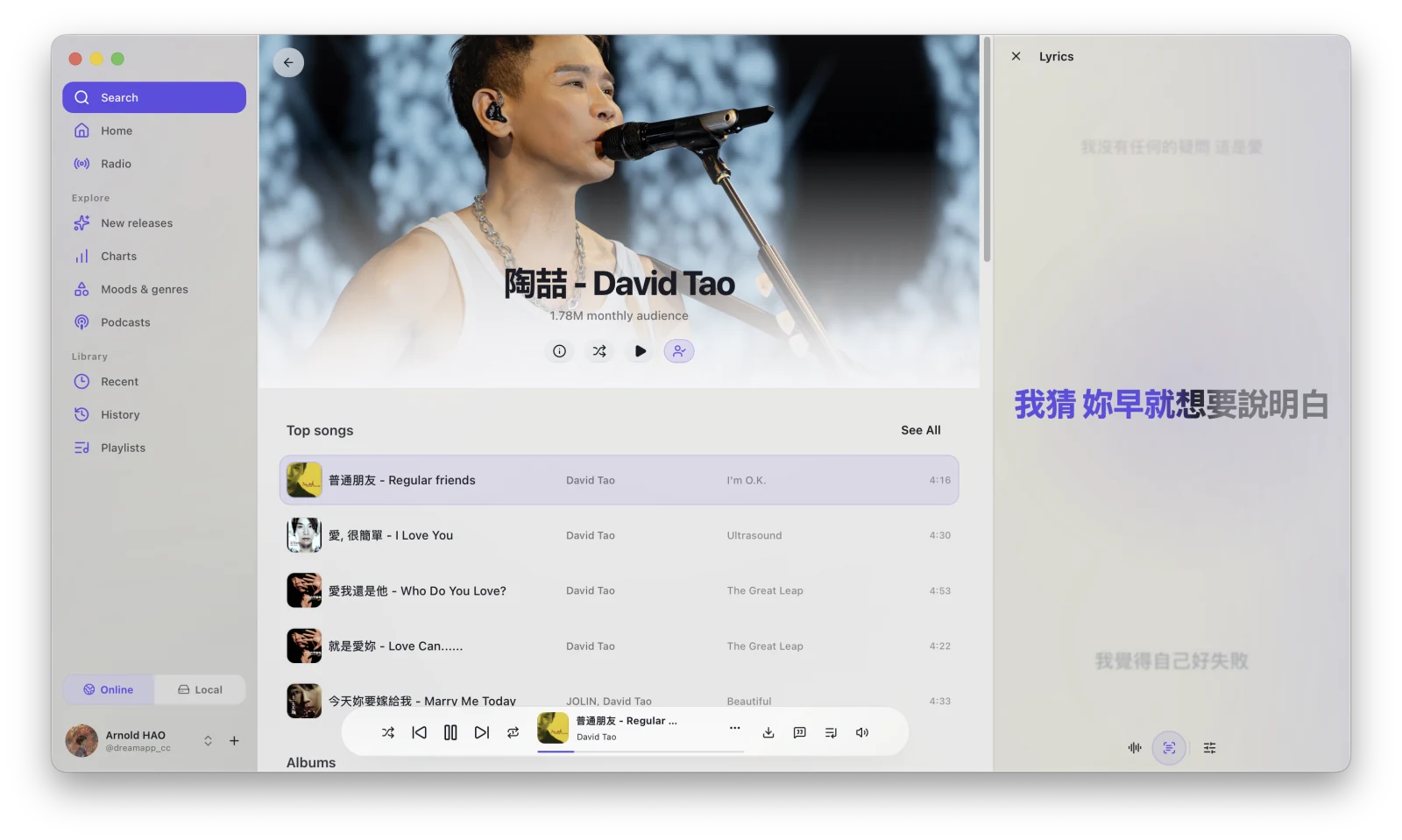
Music has Online and Local scopes. Online connects to YouTube Music; Local reads available audio files from the Library.
Online music
Section titled “Online music”Switch to Music → Online to use Home, Radio, New Releases, Charts, Moods & Genres, Podcasts, Recently Played, History, online playlists, and other entries. Sign in to a YouTube App Session first when account content is required.
Available actions for songs, albums, artists, and playlists appear in list or details menus. While playing a regular song, use Download from the track menu or player to add the media to the Library.
Local music
Section titled “Local music”Switch to Music → Local to browse Library audio by recently added, artist, album, or song, and to manage local playlists.
If the Local page is empty, download or import audio through the Library, then refresh Local Music.
Player
Section titled “Player”The Music player provides play, pause, previous, next, progress, volume, playback mode, queue, lyrics, and other controls. Some online actions depend on account state and whether the current track supports them.
Continue reading: