
Running
The Running page shows tasks that are currently downloading, sniffing, or transcoding. Enter it from the wave icon on the left sidebar.
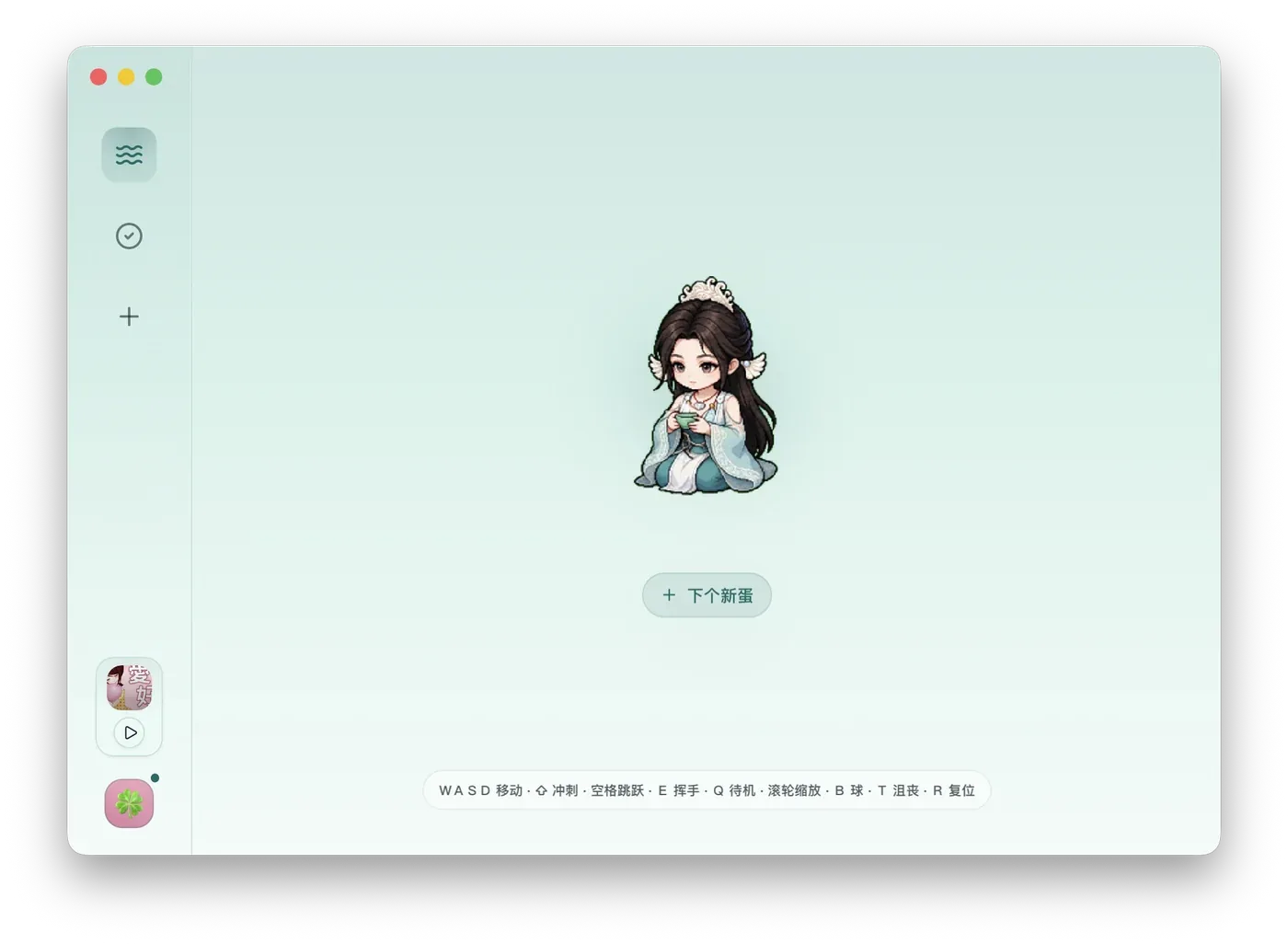
Empty State
Section titled “Empty State”When there are no active tasks, the page shows the current pet and a new-task button. Clicking it opens New Task, where you can create a download, sniff, or transcode task.
With Active Tasks
Section titled “With Active Tasks”Each task card shows the title, source site or local file, current stage, progress, speed, estimated state, and the output being prepared. Download tasks may show parsing, downloading, merging, or transcoding. Transcode tasks show file checking, conversion, and completion.
Common Actions
Section titled “Common Actions”| Control | Result |
|---|---|
| Task card | View current details and visible progress. |
| Cancel | Open a confirmation dialog before stopping the task. |
| Confirm cancel | Stop the current task and move it to Tasks and Files for later management. |
| New task button | Open New Task without leaving the page. |
Completed tasks move automatically to Tasks and Files. Failed or canceled tasks also stay there so you can inspect the reason and retry when supported.