
New Task
Click the plus icon on the left sidebar to open New Task. It contains three entries: Download, Sniff, and Transcode.
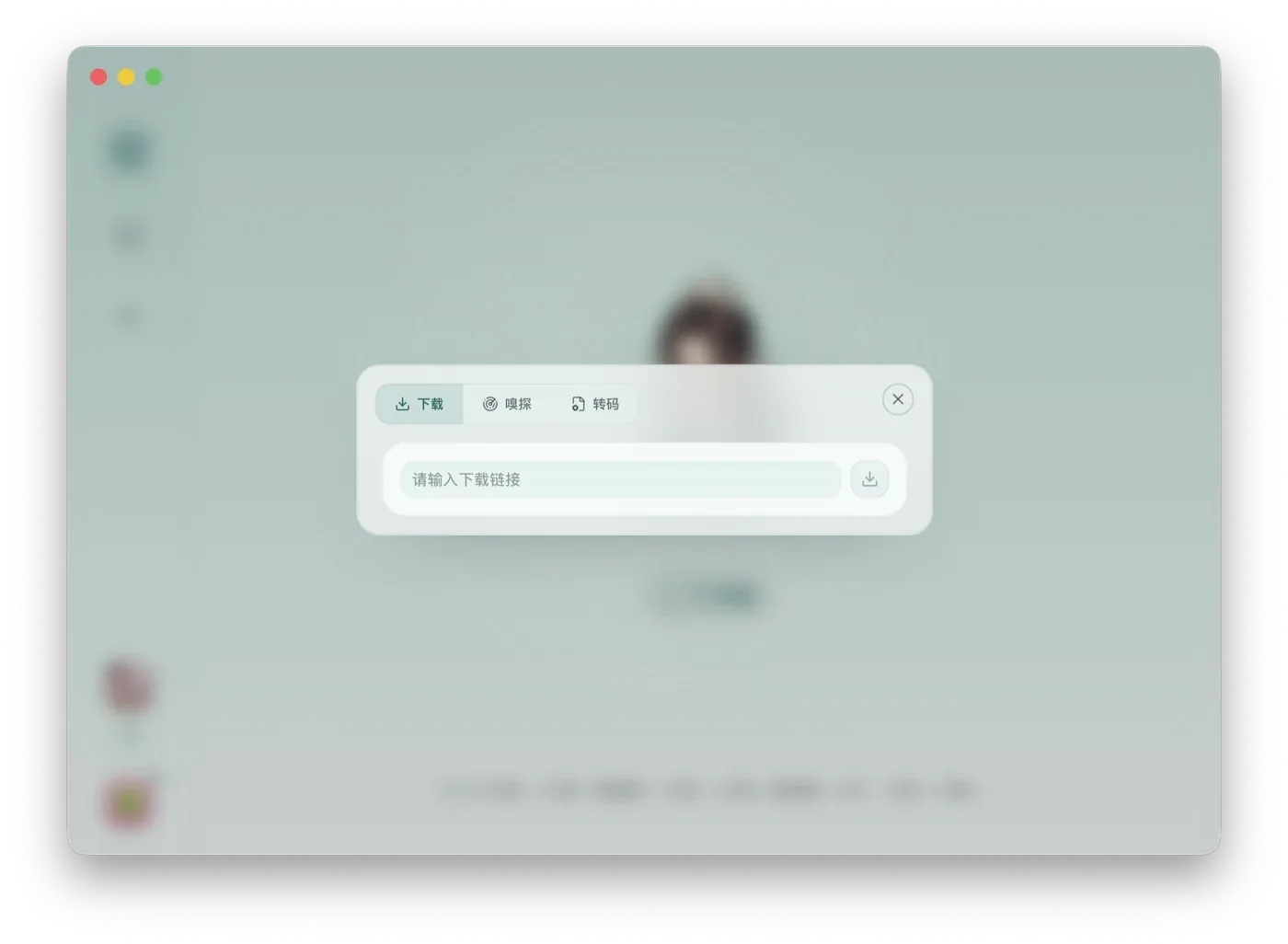
Three Entries
Section titled “Three Entries”| Entry | Best for | Read More |
|---|---|---|
| Download | You already have a video, audio, or playlist link and want to save it directly. | Download |
| Sniff | The page needs a real browser, playback, login, scrolling, or verification before the media appears. | Sniff |
| Transcode | You have a local video or audio file and want to convert format, size, or encoding. | Transcode |
Button States
Section titled “Button States”Unavailable buttons usually mean required tools are missing, the link has not passed checking, or a file has not been selected. Open Settings to install or repair YT-DLP, FFmpeg, and Bun.
After a Task Is Created
Section titled “After a Task Is Created”Tasks move to Running first. When they finish, they appear in Tasks and Files where you can preview output, open the folder, transcode again, or inspect details.