Skip to content

Entries and Buttons

This page explains the main entries and common buttons in XiaDown.

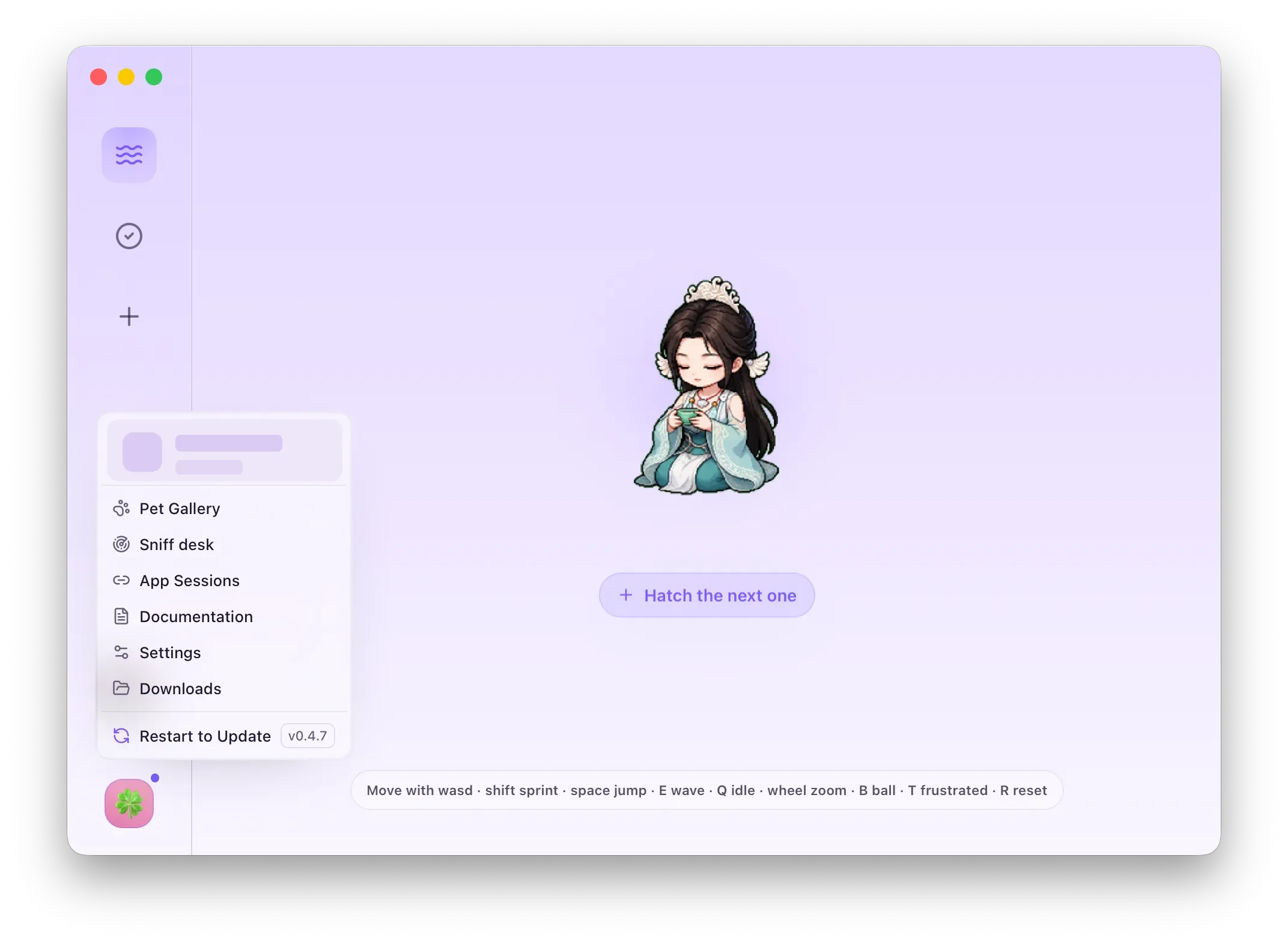
XiaDown lower-left menu with private information masked
The lower-left menu opens Sniff Desk, App Sessions, Settings, Pet Gallery, and Documentation.
Entry Result
Wave icon Opens Running to view active tasks.
Check icon Opens Tasks and Files for completed tasks and files.
Plus icon Opens New Task with Download, Sniff, and Transcode.
Mini player Opens Listen and shows current playback on hover.
Avatar menu Opens extra entries such as Sniff Desk, App Sessions, Settings, Pet Gallery, and Documentation.
Item Result
Sniff Desk Opens the full browser-resource sniffing page.
App Sessions Manages website login state.
Pet Gallery Switches or imports pets.
Settings Opens the Settings window.
Documentation Opens this documentation inside XiaDown. In the app, the documentation view hides the website header and footer and receives the current language, light/dark mode, and theme from XiaDown.

The system tray provides quick access when XiaDown is running in the background. Depending on state, it can open the main window, open Settings, show the mini player on hover, or control Listen playback.

Button Result
Start Creates or starts the configured task.
Cancel Opens a confirmation before stopping an active task.
Open folder Opens the related output or data folder.
Preview Opens a preview for supported media.
Transcode Sends the selected file into Transcode Task.
Start Sniffing Opens a browser session and begins collecting page resources.
Refresh Re-checks current data, browser list, session state, or file list depending on the page.