
Pet Gallery
Pets are part of XiaDown’s appearance settings. They appear in empty states, running states, and the lower-left avatar area. Open Pet Gallery from the lower-left avatar menu.
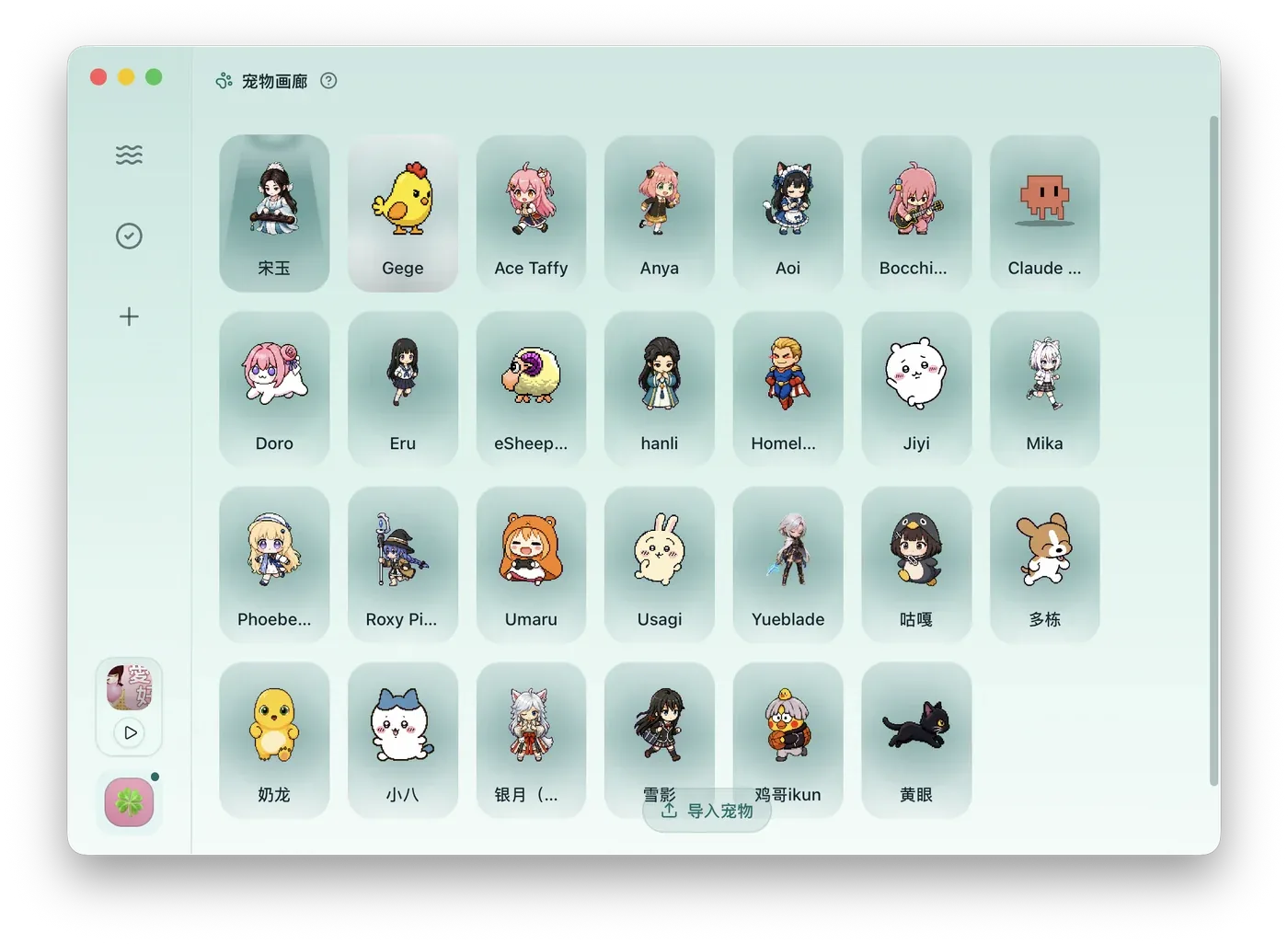
What You Can Do
Section titled “What You Can Do”| Action | Result |
|---|---|
| Select pet | Applies the pet to the app immediately. |
| Preview animation | View common motion states before using a pet. |
| Import online | Open a supported pet website and download a package. |
| Import local | Choose a local pet package from disk. |
| Delete | Remove a custom pet after confirmation. |
Online Import
Section titled “Online Import”Click Import Pet, choose Online, select a site, and open the browser. Current supported sites include codex-pets.net, codexpet.xyz, and petdex.dev. Download a compatible pet package, then return to XiaDown to import it.
Local Import
Section titled “Local Import”Choose Local and select a pet package. A valid package normally contains pet.json and a spritesheet image such as spritesheet.webp. If the package is invalid, XiaDown will show an error and keep the current pet unchanged.
Where Pets Appear
Section titled “Where Pets Appear”Pets appear on task empty states, running task states, the lower-left avatar, and some feedback states. They are cosmetic and do not change download, sniffing, or playback behavior.